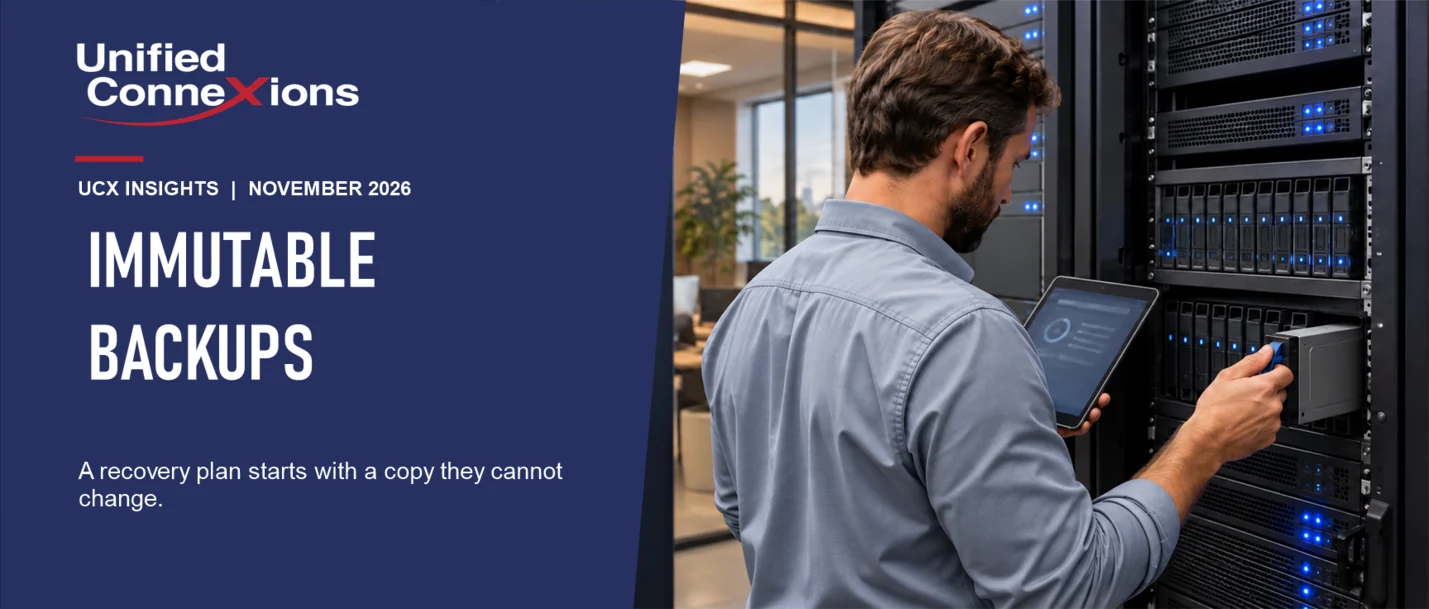
Most businesses back up their data, and that is a good start. What many do not realize is that the backup itself is often a target. When attackers break into a network, one of the first things they look for is the backup, so they can destroy it before they encrypt your files.
That is where immutable backups come in. An immutable backup is a copy of your data that cannot be altered or deleted for a set period of time, not even by someone with administrative credentials. Think of it as a sealed time capsule: once it is locked, no one can open it early.
In this article, we explain why backups are targeted, how immutable backups work, and the key questions to ask your IT team so you can be confident your backup will be there when you need it.
Why backups are a target
Ransomware is a type of attack in which criminals encrypt your files and demand payment to restore access. If you have a reliable backup, you do not have to pay; you simply restore your data. Attackers know this, which is why they go after your backups as well.
The Cybersecurity and Infrastructure Security Agency (CISA) states this directly in its ransomware guide: many ransomware attacks attempt to find and delete or encrypt any accessible backups. For that reason, CISA advises organizations to maintain backups that are offline or isolated from the rest of the network.
The central point is this: if your backup sits on the same network as everything else and can be reached with the same credentials, anyone who breaches your network can reach your backup, too.
What makes a backup immutable
A conventional backup is like a filing cabinet. Anyone with the key can open a drawer, change a file, or throw it away. That convenience comes at a cost: a single stolen key is all it takes.
An immutable backup works differently. When the backup is created, it is locked for a defined retention period, often 30, 60, or 90 days. During that period:
- No one can modify the files in that backup.
- No one can delete it, not even an administrator.
- A stolen password does not help, because the lock is not controlled by a password.
When the retention period ends, the oldest copy expires and newer copies continue to be added. As a result, you always have a rolling window of locked copies to restore from.
The bottom line: even if an attacker gains full access to your systems, a clean copy remains that they cannot touch.
What about tapes and drives?
For years, many businesses relied on tape drives or external hard drives and rotated a copy off-site. These methods still have their place. A copy that is disconnected and stored elsewhere cannot be reached by an attack on your network.
The challenge is that people are busy. Someone forgets to swap the drive. The drive stays connected all week. The tape in the closet has not been checked in a year. A backup that depends on someone remembering is only as reliable as the last time they remembered.
An immutable backup provides the same protection automatically, every day, without anyone having to carry a drive home. CISA's guide identifies immutable storage as a way to protect stored data without maintaining a completely separate environment. One caveat: CISA also notes that immutable storage may not satisfy the requirements of every regulated industry, so if your business is subject to such rules, consult whoever manages your compliance.
At Unified ConneXions (UCX), we strongly recommend immutable backups. You can continue to keep other copies; an immutable backup simply ensures that at least one copy is always protected.
A backup is not a plan until you have tested it
This is a point many businesses overlook: having a backup and being able to recover your data are two different things.
A backup can run every night and still let you down. It may be missing a folder. It may have been failing silently for weeks. Or it may work, but a full recovery would take four days, and no one realized that until it was needed.
CISA's guide advises organizations to test backups regularly by actually restoring data from them. That is the only way to confirm three things:
- What you can recover.
- How long recovery will take.
- Who is responsible for each step when an incident occurs.
This matters for insurance as well. As we discussed in our article on cyber insurance forms, insurers frequently ask whether your backups are stored separately and whether you have tested restoring your files.
Questions to ask your IT team
Questions to ask your IT team
- Do we have an immutable copy? Confirm that at least one backup is locked so it cannot be altered or deleted, and find out how many days it remains locked.
- What is included? Make sure your backups cover your servers, shared files, and Microsoft 365 email and OneDrive. Microsoft retains deleted email and files for a limited time, but that is not the same as a backup you control. Ask whether your Microsoft 365 data is backed up separately.
- Is the backup on a separate login? The account that manages your backups should not share a password with any other system, and it should have two-step sign-in enabled.
- When did we last test a restore? Ask for the date someone actually recovered files from the backup, not just the date the most recent backup ran. If no one knows, that is your first priority.
- How long would it take to get back up and running? Get a concrete answer, in hours or days, for each of your most critical systems.
- Who does what? Know who to call, who initiates the restore, and who keeps your staff informed.
- Where is the copy kept? At least one copy should be stored away from your office, so that a fire, flood, or break-in cannot destroy everything at once.
What this looks like in real life
Consider two small offices, each with about 20 employees. Both run backups every night.
The first office backs up to a drive that stays connected to the server. One morning, employees arrive and cannot open anything. Their files are encrypted, and so is the backup drive, because it was connected to the same network. They are left to choose between paying the ransom and starting over.
The second office keeps an immutable copy off-site. Their files are encrypted, too, but their IT team restores from the locked copy, beginning with the most critical systems. It is a difficult couple of days, but they are back in business without paying anyone.
Same attack, very different outcome. The only difference was where the backup was stored and whether an attacker could reach it.
How we help
At UCX, our backup and recovery service includes managed backups, recovery planning, and scheduled restore testing, so you know what you can recover and how long it will take. We build our standards around the CIS Controls, and data recovery is one of the controls we assess when we onboard a new managed IT client.
We also hold regular Technology Business Reviews with each client to review the health of your backups, confirm they are still being tested, and plan for what comes next.
Before your next meeting with your IT team, bring the questions above. If you would like help, Unified ConneXions would be glad to walk through them with you.
The office scenarios above are fictional and are intended to illustrate how this can happen. This article provides general information and is not legal or compliance advice.